If you are a government employee or pensioner in Madhya Pradesh waiting for a salary credit, pension payment, or any treasury-disbursed fund, tracking your payment status is now easier than ever. The Madhya Pradesh Treasury Portal provides a dedicated E-Payment Status feature that allows you to verify your transaction details online — anytime, from anywhere.
In this comprehensive guide, we walk you through the exact process to check your e-payment status on the MP Treasury Portal, explain what each field means, and answer the most common questions users ask.
What Is the MP Treasury E-Payment System?
The Madhya Pradesh government processes thousands of payments every day — including salaries, pensions, scheme disbursements, and vendor payments — through its official treasury system. To ensure transparency and accountability, the MP Treasury Portal offers an online E-Payment Report Status tool.
Using this tool, any beneficiary can:
- Verify whether their payment has been successfully processed
- Confirm the exact date of transaction
- Cross-check payment details against their bank account
- Resolve discrepancies or pending credit issues
This digital facility aligns with the government’s broader Digital India initiative, reducing the dependency on physical verification and minimizing administrative delays.
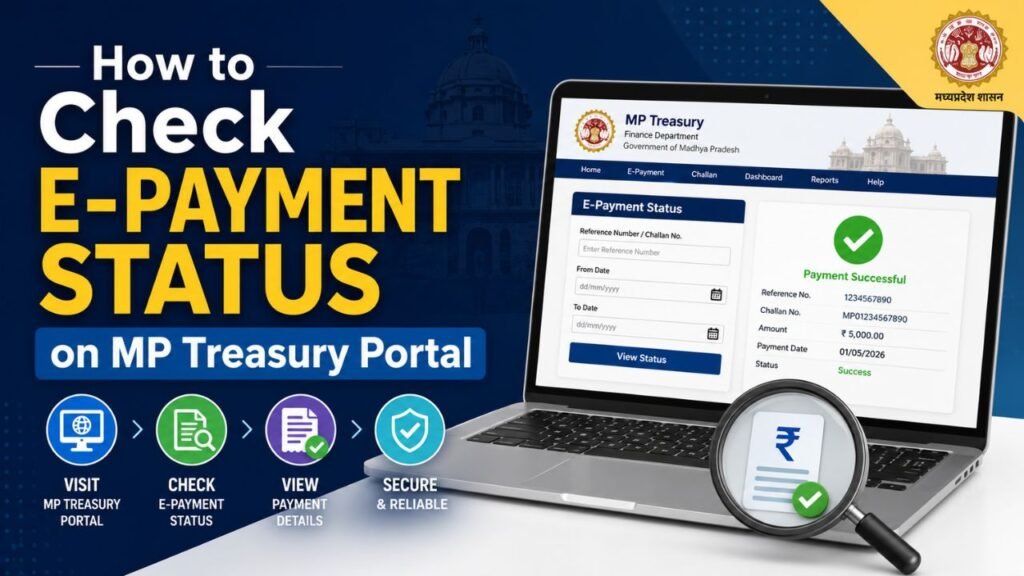
Step-by-Step: How to Check E-Payment Status on MP Treasury Portal
Follow these five simple steps to instantly access your payment transaction details.
Step 1 — Open the E-Payment Report Status Page
Begin by navigating to the official MP Treasury Portal. Once on the homepage, look for the “E-Payment Report Status” section or directly access the dedicated payment report page.
Pro Tip: Always use the official MP government treasury website to protect your sensitive banking information. Avoid third-party links.
Step 2 — Enter the Year and Month
In the search form, you will see two dropdown or input fields asking for the Year and Month of the payment you want to check.
- Year: Enter the financial year in which the payment was made (e.g., 2024, 2025)
- Month: Enter the corresponding month in numeric format (e.g., 03 for March, 11 for November)
This narrows down the treasury records to the specific time period you are inquiring about, making the search more accurate and faster.
Step 3 — Enter Your IFSC Code and Account Number
Next, you need to provide two critical pieces of bank information:
- IFSC Code: This is the unique 11-character alphanumeric code assigned to your bank branch by the Reserve Bank of India (RBI). It identifies your specific bank and branch for electronic fund transfer purposes.
- Example Format: SBIN0001234
- Account Number: Enter your complete bank account number exactly as it is registered with the treasury department. Double-check for any typos before proceeding.
Important: Make sure the IFSC Code and Account Number you enter match the details registered with your department or DDO (Drawing and Disbursing Officer). Incorrect details will return no results.
Step 4 — Click the “Generate Report” Button
Once all fields are correctly filled, click the “Generate Report” button. The portal will process your request and retrieve matching payment records from the treasury database.
This typically takes just a few seconds, depending on your internet connection and the volume of records being processed.
Step 5 — View Your Payment Transaction Details
Your E-Payment Transaction Report will now appear on the screen. This report includes key details such as:
- Payment Date — The date on which the treasury initiated the payment
- Amount Credited — The exact amount disbursed to your account
- Transaction Reference Number — Unique identifier for the payment
- Bank and Branch Details — Confirmation of the receiving bank
- Payment Status — Whether the payment is Successful, Pending, or Failed
You can use this information to match against your bank statement or raise a query with your department if a discrepancy is found.
Benefits of Checking E-Payment Status Online
Checking your payment status through the MP Treasury Portal offers several practical advantages:
- 24×7 Availability — Access your payment records at any time, even outside office hours
- Real-Time Updates — Get the latest status without waiting for department confirmations
- Paperless Verification — No need for physical visit to treasury office
- Quick Dispute Resolution — Identify failed or returned payments early and act faster
- Transparency — Every transaction is recorded and accessible to the beneficiary
Frequently Asked Questions (FAQs)
Q1. What is the MP Treasury E-Payment portal used for?
The MP Treasury E-Payment portal is used by the Madhya Pradesh state government to process and disburse payments including salaries, pensions, scholarships, and vendor payments electronically.
Q2. What information do I need to check my e-payment status?
You need the payment year, payment month, your bank’s IFSC Code, and your bank Account Number.
Q3. How long does it take for a payment to reflect after the treasury processes it?
Payments typically reflect in your bank account within 1 to 3 working days after the treasury processes them. NEFT transfers may take slightly longer depending on banking batch timings.
Q4. Can I check e-payment status for multiple months at once?
No. The current system allows you to check payment status for one specific month at a time. Repeat the process for each month you wish to verify.